- Polymaker and Bambu Lab share 220-230 °C at the nozzle. Prusa gives 230-245 °C for flexibles in general, so 230 °C is the one figure every source allows.
- Speed depends on the grade: Prusa suggests about 20 mm/s and no more than 30-40 mm/s. Bambu Lab rates its high flow TPU 95A HF at 12 mm³/s against 3.6 mm³/s for standard TPU 95A.
- Retraction ranges from Prusa's low or off, through 0.4-1.4 mm for the Bambu grades, to 3-6 mm for Polymaker PolyFlex TPU95.
- Bambu Lab supports nothing softer than 85A on its printers, and its 85A grade needs a 0.6 or 0.8 mm nozzle. A lower Shore A number means a softer filament.
- Fan and bed are where the sources split: Prusa keeps the fan off and the bed at 60-75 °C, Bambu Lab turns the fan on and uses 30-35 °C with glue.
- Dry TPU at 70 °C for 8 hours (Polymaker and Bambu Lab) or 60 °C for 4-6 hours (Prusa), and store it below 20% humidity. Bambu Lab measures 0.61-1.20% saturated water uptake across its grades.
For a 95A TPU, start at 220-230 °C on the nozzle and a bed between 30 and 60 °C, print slowly at 20-30 mm/s unless the spool is sold as a high flow grade, and keep retraction short or switch it off at first. Dry the filament before printing, at 60-70 °C for 4 to 8 hours depending on the maker, because TPU takes up water from the air and prints badly when wet. Softer grades such as 85A need a wider nozzle and more patience. Prusa, Polymaker and Bambu Lab agree on going slowly and keeping the spool dry. They part ways on fan speed, bed temperature and retraction length.
We read the documents for this page on 26 October 2026: Prusa's knowledge base article on flexible materials, the data sheet for Polymaker PolyFlex TPU95, Bambu Lab's data sheets for TPU 85A, TPU 90A, TPU 95A HF and TPU for AMS, and Bambu Lab's TPU printing guide. Prusa's article covers flexible filament in general and names no single product. The filament types hub places TPU among the other plastics, and the PETG settings page uses the same layout for a rigid filament. Nanopack has no commercial tie to any of these companies.
TPU settings by manufacturer
| Setting | Prusa guide (flexibles) | Polymaker PolyFlex TPU95 | Bambu TPU 95A HF | Bambu TPU 90A / 85A |
|---|---|---|---|---|
| Hardness | Usually 60A-90A | 95A | 95A | 90A / 85A |
| Nozzle | 230-245 °C | 210-230 °C | 220-240 °C | 200-250 °C |
| Bed | 60-75 °C | 25-60 °C | 30-35 °C, glue | 30-35 °C, glue |
| Part cooling fan | Off | On | On | On |
| Speed | About 20 mm/s, 30-40 mm/s at most | 30-50 mm/s | Under 200 mm/s | Under 200 mm/s |
| Retraction | Low or off, raised step by step | 3-6 mm at 40-60 mm/s | 0.8-1.4 mm at 20-40 mm/s | 0.4-0.8 mm at 10-30 mm/s |
| Nozzle size | Not given | Settings assume 0.4 mm | 0.4, 0.6 or 0.8 mm | 90A: 0.4-0.8 mm; 85A: 0.6 or 0.8 mm |
| Enclosure | Not mentioned | Not needed | Chamber 25-45 °C | Chamber 25-45 °C |
| Drying | 60 °C, 4-6 h (Prusa drying table) | 70 °C, 8 h | 70 °C, 8 h (blast drying oven) | 70 °C, 8 h (blast drying oven) |
Bambu Lab's "under 200 mm/s" is a ceiling for its own printers and profiles. Volumetric flow limits what TPU can actually do. On its store page Bambu Lab compares TPU 95A HF with its standard TPU 95A at the same 230 °C nozzle: 12 mm³/s against 3.6 mm³/s of maximum volumetric speed, which in its test model meant 147 mm/s against 44 mm/s. A TPU that is not sold as high flow belongs much closer to Prusa's 20 mm/s.
Shore hardness: 85A, 90A and 95A
TPU grades are named by Shore hardness, measured with a durometer. Bambu Lab's guide orders the common grades from hardest to softest as 77D, 70D, 68D, 55D, 95A, 90A, 85A, 83A, 80A, 75A and 70A. The D scale is used for the harder end. A higher number on the same scale means a stiffer, less stretchy filament, so 90A is softer than 95A, and 85A is softer again.
Softness is what makes printing hard. Prusa says that the softer the filament is, the harder it is to print. Bambu Lab recommends 85A or harder for stable printing, says softer TPU such as 83A or 80A bends during feeding and can buckle or tangle, and states that its printers do not support TPU below 85A. Its TPU 85A also cannot run through a 0.4 mm nozzle: the data sheet lists only 0.6 and 0.8 mm, and the guide marks 0.2 mm and 0.4 mm as not compatible.
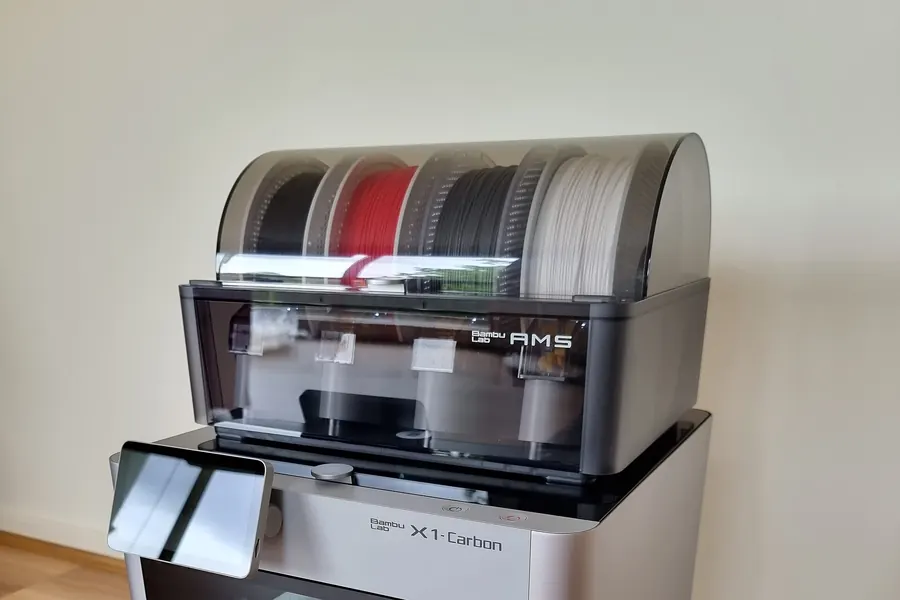
At the other end, Bambu's TPU for AMS is rated 68D. That makes it far stiffer than any A grade. Its data sheet gives a Young's modulus of 1190 MPa along the layers, where TPU 95A HF has 9.8 MPa. It is the only TPU Bambu Lab lets the AMS feed automatically. For the other grades, the AMS HT can only hold the spool as a sealed box, and the filament has to leave through a dedicated TPU outlet at the back.
Nozzle temperature
Polymaker's and Bambu Lab's ranges share 220-230 °C. Prusa's starts at 230 °C, so 230 °C is the only figure all of them allow. Prusa's article gives two adjustments that pull in opposite directions. Raising the nozzle by 5 °C lowers the resistance of the filament, which helps when the extruder struggles. Bambu Lab, in its stringing advice, suggests lowering the nozzle by about 5 °C because TPU flows easily and oozes when too hot, and then cutting the maximum volumetric flow by 0.4 mm³/s to match.
The test bars tell you where each company actually prints. Polymaker printed its TPU95 specimens at 230 °C on a 50 °C bed with the fan on. Bambu Lab printed TPU 95A HF at 230 °C on a 35 °C bed at 140 mm/s. Polymaker's bars came from the top of its own range and Bambu Lab's from the middle of its range.
Print speed and why TPU is hard to feed
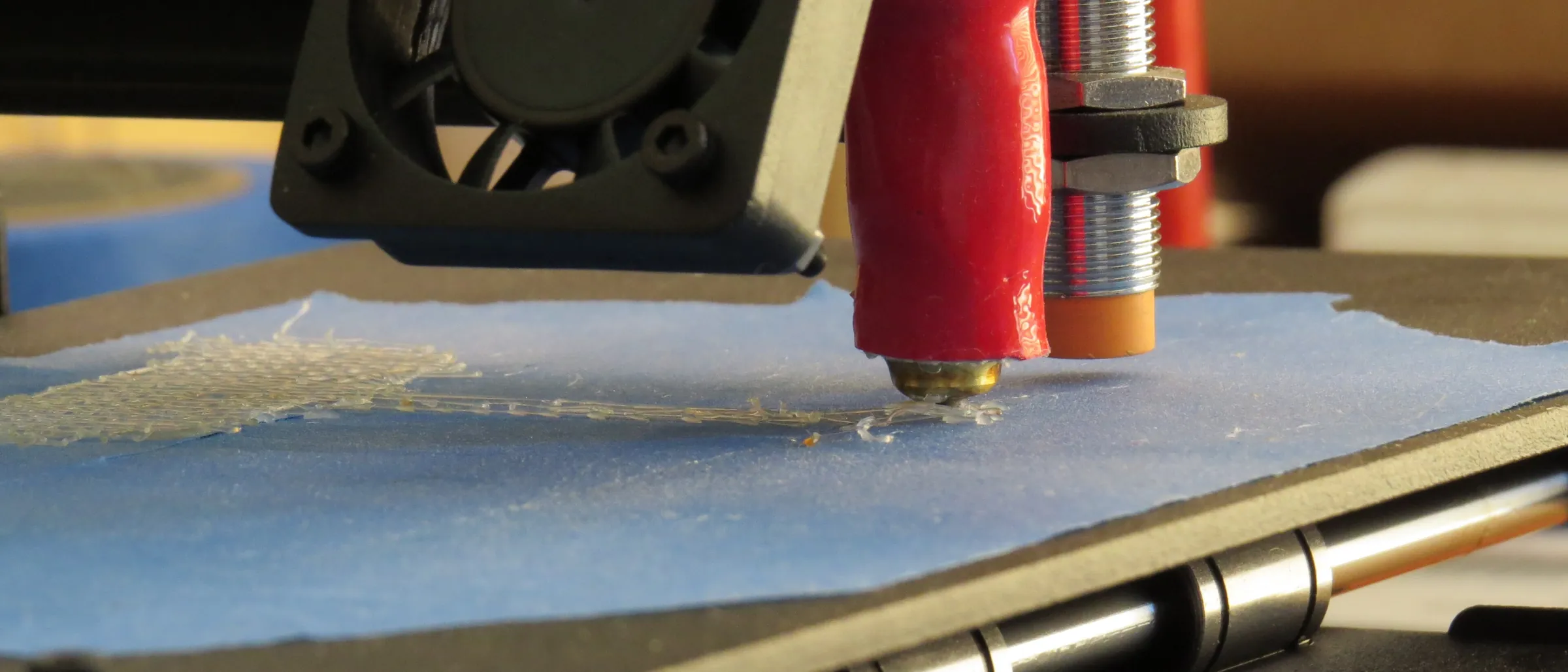
Most TPU failures happen before the plastic reaches the nozzle. A soft strand pushed by the drive gears can bend and tangle in them, which Prusa lists among its warnings next to clogging and oozing. Prusa recommends TPU only to experienced users and suggests loosening the idler so the gears push the filament gently. It also warns that automatic filament change may not work properly with flexibles.
Bambu Lab's guide spends more words on the path than on the hotend. It recommends a sealed dry box or the AMS HT with low feeding resistance, raising the container so the slack filament does not drag over the bed, and switching off flow dynamics calibration before a TPU print. It also advises a new nozzle or a cold pull first, since leftover carbon or glass fibre from earlier prints adds resistance. The nozzle clog guide explains the cold pull.
Prusa gives no figure for Bowden printers. A reader comment under its article, about the Bowden-fed MINI+, suggests careful idler pressure, a harder TPU and minimal retraction, and accepts some stringing as the price.
Retraction and stringing
Retraction advice varies more than anything else here. Polymaker's 3-6 mm at 40-60 mm/s is several times Bambu Lab's 0.8-1.4 mm for TPU 95A HF and 0.4-0.8 mm for the 85A and 90A grades. Prusa gives no number at all. It suggests starting with retraction low or off and raising it gradually while checking the result. A long retraction pulls soft filament back through the extruder, where it can compress instead of moving, so starting short is the safer test.
Bambu Lab's stringing list goes beyond retraction. It suggests printing one object at a time to cut travel moves, lowering the nozzle temperature by about 5 °C, adding 0.2 mm to the retraction length when oozing is severe, and drying the spool fully. Damp TPU strings even with good settings.
Bed, build surface and fan
The bed figures do not overlap across all three sources. Bambu Lab says 30-35 °C with glue, Polymaker 25-60 °C and Prusa 60-75 °C, with larger objects needing the higher end. Adhesion is rarely the problem with TPU. Bambu Lab says it usually sticks strongly, and Prusa warns that very soft flex can bond to smooth PEI hard enough to damage it.
Prusa's textured powder-coated sheet needs no separation layer. On smooth or satin sheets Prusa asks for glue stick or Kapton tape. Bambu Lab's guide says every plate it sells except the Cool Plate SuperTack works with TPU, and its data sheets list glue. To remove a large flat part, Bambu Lab suggests lifting one corner, spraying isopropyl alcohol into the gap and peeling slowly.
On cooling the sources split. Prusa wants the print fan off. Polymaker and Bambu Lab both say the fan should be on, and Polymaker's test bars were printed with it on.
How strong TPU is, and how it compares with PETG
| Property | TPU 85A | TPU 90A | TPU 95A HF | TPU for AMS (68D) |
|---|---|---|---|---|
| Tensile strength, XY | 12.0 MPa | 12.5 MPa | 27.3 MPa | 22.4 MPa |
| Tensile strength, Z | 10.5 MPa | 10.1 MPa | 22.3 MPa | 11.2 MPa |
| Elongation at break, XY | Over 700% | Over 650% | Over 650% | Over 650% |
| Elongation at break, Z | Over 350% | Over 350% | Over 480% | 31% |
| Impact strength, XY | 124.3 kJ/m² | 124.2 kJ/m² | 123.2 kJ/m² | 124.3 kJ/m² |
| Impact strength, Z | 88.5 kJ/m² | 87.3 kJ/m² | 86.3 kJ/m² | 9.6 kJ/m² |
The A grades keep most of their strength across the layers. TPU 95A HF holds 22.3 of its 27.3 MPa in the Z direction, about 82%. The 68D grade behaves more like a rigid plastic: half its tensile strength and almost all of its stretch disappear across the layers. Polymaker reports its numbers differently, as stress at set strains, and measures 551% elongation at break for TPU95 in the XY direction.
Against PETG, TPU loses on tensile strength and wins on impact. Bambu Lab's PETG Basic sheet gives 51 MPa of tensile strength and 34.2 kJ/m² of impact strength along the layers. Its TPU 95A HF sheet gives 27.3 MPa and 123.2 kJ/m² in the same tests. For a part that has to hold a load without stretching, PETG is the stronger choice. For a part that gets hit, bent or squashed, TPU survives better.
Moisture and drying
| Filament | Water uptake | Oven | Printer bed |
|---|---|---|---|
| Prusa drying table (TPU) | Not given | 60 °C, 4-6 h | Not given |
| Polymaker PolyFlex TPU95 | 0.82% at equilibrium | 70 °C, 8 h | Not given |
| Bambu TPU 95A HF | 1.08% saturated (25 °C, 55% RH) | 70 °C, 8 h | 80-90 °C, 12 h (X1 series) |
| Bambu TPU for AMS | 1.20% saturated | 70 °C, 8 h | 80-90 °C, 12 h (X1 series) |
| Bambu TPU 90A | 0.61% saturated | 70 °C, 8 h | 90 °C, 16 h |
| Bambu TPU 85A | 0.67% saturated | 70 °C, 8 h | 90 °C, 16 h |
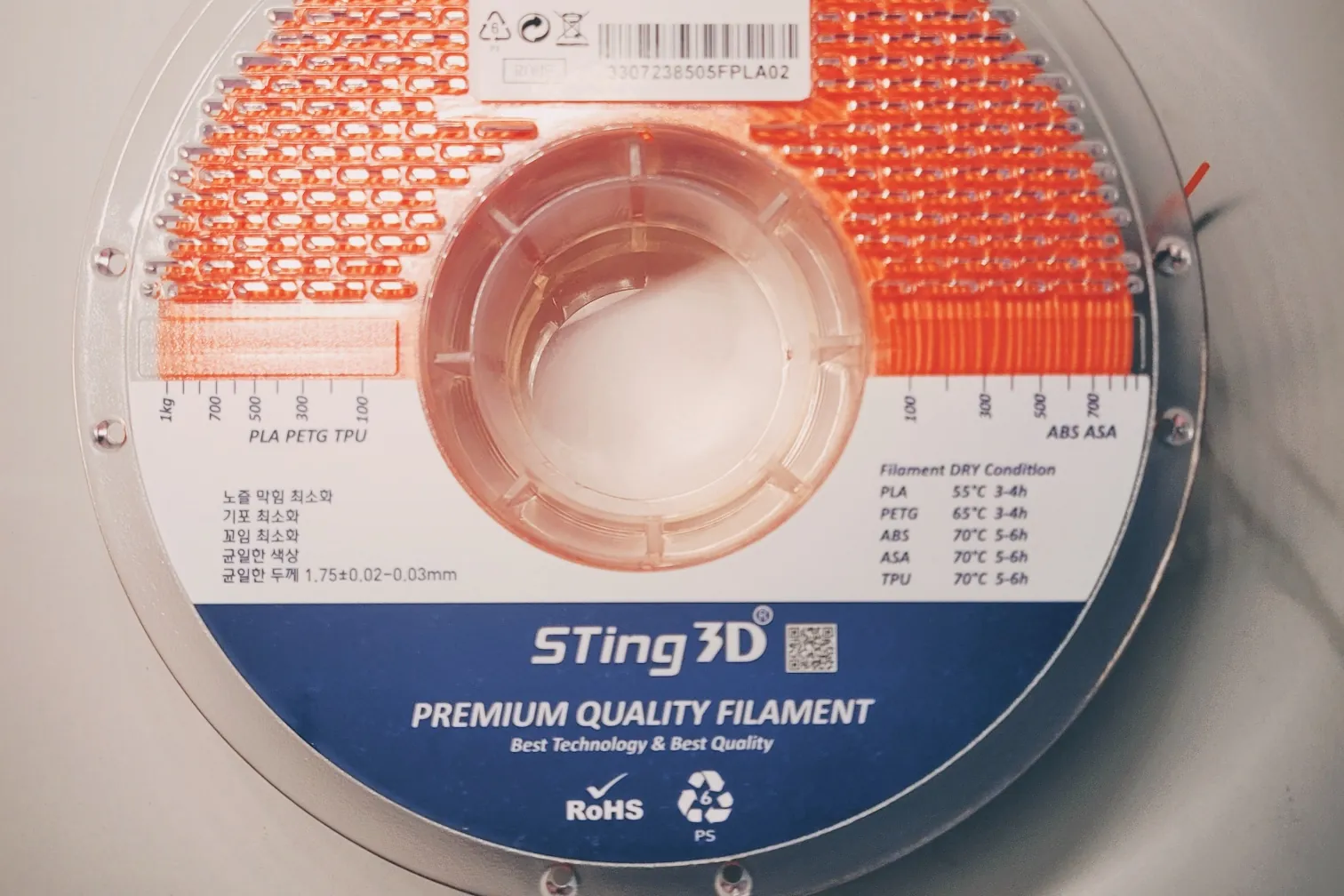
Prusa's 60 °C is the lowest figure here. For comparison, Bambu Lab gives 0.45% water uptake for its PETG Basic. Prusa's drying article names TPU, with polyamide and PVA, among the filaments that need drying more often than PLA. Wet TPU strings, bubbles and bonds poorly between layers, according to Bambu Lab, which tells users to store it below 20% relative humidity with desiccant and to dry it again after long storage. Bambu Lab ships these grades on spools rated to 90 °C. The general filament drying guide covers how to tell when a spool needs it, and the AMS 2 Pro and AMS HT drying guide covers Bambu Lab's drying units.
Where the documents disagree
The fan is the clearest split. Prusa keeps it off, while Polymaker and Bambu Lab switch it on, and Polymaker printed its test bars with it running. The bed figures barely touch: Bambu Lab's 30-35 °C and Prusa's 60-75 °C have nothing in common, and Polymaker's 25-60 °C spans most of the gap. Retraction runs from Prusa's "low or off" to Polymaker's 6 mm.
Part of this is hardware. Bambu Lab writes for its own printers and hotends, Prusa writes for any flexible on its machines, and Polymaker gives one set of numbers for a 0.4 mm nozzle. Bambu Lab also notes that its test bars were annealed and dried at 70 °C for 12 hours before testing, yet advises against annealing TPU prints, because parts that are not very simple in shape can deform. On a printer none of them wrote for, start from the filament maker's sheet, keep the speed low, and change one setting at a time.
Frequently asked questions
What is the best temperature to print TPU?
About 220-230 °C for a 95A grade. Polymaker gives 210-230 °C for PolyFlex TPU95, Bambu Lab 220-240 °C for TPU 95A HF and 200-250 °C for its 85A and 90A grades, and Prusa 230-245 °C for flexibles in general. Bambu Lab suggests dropping about 5 °C if the print oozes.
What print speed should I use for TPU?
Slow, unless the filament is sold as high flow. Prusa suggests about 20 mm/s and no more than 30-40 mm/s, and Polymaker gives 30-50 mm/s. Bambu Lab's TPU 95A HF reaches 12 mm³/s of volumetric flow, against 3.6 mm³/s for its standard TPU 95A.
Which is softer, TPU 90A or 95A?
90A is softer. On the Shore A scale a lower number means a softer, more flexible material, so 85A is softer than 90A and 90A is softer than 95A. Bambu Lab recommends 85A or harder for stable printing.
Why is TPU difficult to print?
Because a soft strand can bend and tangle in the extruder gears instead of being pushed into the nozzle. Prusa warns of tangling, clogging and oozing and recommends TPU to experienced users. Prusa and Bambu Lab both say the softer the grade, the harder it is to feed.
Does TPU need a cooling fan?
The sources disagree. Prusa says to keep print cooling off. Polymaker and Bambu Lab both list the fan as on, and Polymaker printed its TPU95 test bars with it on.
Is TPU stronger than PETG?
Not in tension, but it takes impacts far better. Bambu Lab's data sheets give PETG Basic 51 MPa of tensile strength and 34.2 kJ/m² of impact strength along the layers, and TPU 95A HF 27.3 MPa and 123.2 kJ/m² in the same tests.
How long should I dry TPU?
Polymaker and Bambu Lab both give 70 °C for 8 hours in an oven, and Prusa's drying table gives 60 °C for 4-6 hours. On a Bambu Lab printer bed the sheets give 80-90 °C for 12 hours for TPU 95A HF and 90 °C for 16 hours for the 85A and 90A grades.
Sources
- Prusa Knowledge Base: Flexible materials
- Prusa Knowledge Base: Drying filament
- Polymaker PolyFlex TPU95 technical data sheet V5.4 (PDF)
- Polymaker Wiki: PolyFlex TPU95 technical data sheet
- Bambu TPU 95A HF technical data sheet V1.0
- Bambu TPU for AMS technical data sheet V1.0
- Bambu TPU 85A technical data sheet V1.0
- Bambu TPU 90A technical data sheet V1.0
- Bambu Lab Wiki: TPU printing guide
- Bambu Lab store: TPU 95A HF (volumetric speed comparison)
- Bambu PETG Basic technical data sheet v3.0